
Advancements in technology we use either at work or home have led to a very significant increase in the amount of time we spend sitting. At our workplaces, we are having to sit for an extended period of time to stay glued to our computers. And at home, we tend to sit on our couches for long periods of time to enjoy entertainment on our TV screens or on our mobile computing devices.
The explosion in the quantity of time we spend on sedentary activities such as these have led to an increase in the number of health issues associated with this lifestyle. Cardiovascular issues are on the rise, as well as posture issues such as neck pain, back pain, cramps, and blood circulation issues.
Improvements in our posture, while we sit, will clearly be beneficial in reducing these associated health issues. A good sitting posture is one that puts the least amount of strain on supporting muscles and ligaments. It aids our productivity. But what do we need to do to improve our posture when seated?

The first thing to do is to know what the ideal sitting position to improve posture is. The ideal position is sitting with the bottom at the rear end of the chair. With the lower back touching the chair. The legs should be placed on the floor and knees raised up aligned to the hips. Do not wear high heels when sitting. The feet should be placed firmly on the floor. If the height of the chair does not allow the feet to be placed on the ground. Then get a footrest to rest the feet on. You can get very good quality footrest like the Adjustable Office Ergonomic Footrest, Black from Moustache® from 123ink.ca at very affordable price.
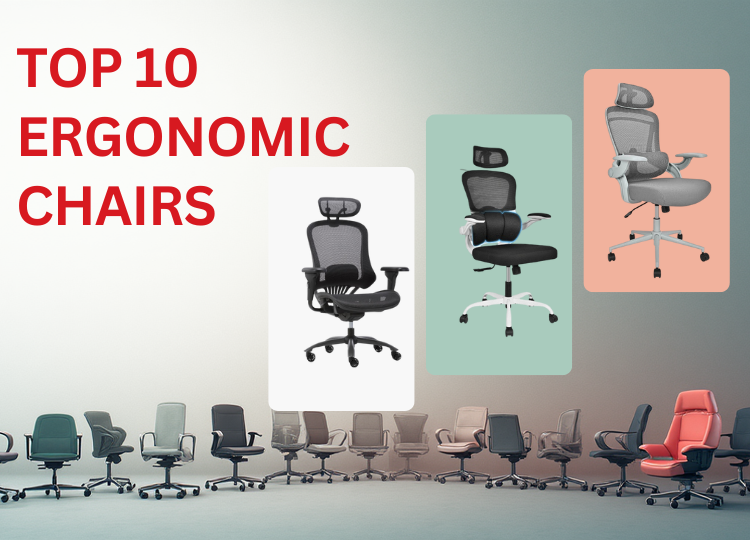
Other areas to focus on, is the support for your lower back when seated. You can get this support from an ergonomic chair with lumbar support that provides support for the back. When sitting, you should also ensure that the computer monitor is at the same eye level to avoid straining your neck. Hands should be placed on the desk to reduce fatigue. And lastly, ensure that you take breaks when sitting. It is recommended you take breaks after sitting down for 30 mins. Walk around during this break period to enable proper blood circulation to the limbs.