There are a variety of reasons you may be considering buying a new printer. Perhaps your old one bit the dust, so to speak – meaning it no longer works. Maybe your son put a pencil in the paper roller? Yep. True story. Things happen. Other reasons why you may be considering a new one are: you want a better one with more features or specific features or you want a printer that saves you money, rather than eats through your money. After all, they do not have a long shelf life. They eventually go kaput. The key to replacing your old printer is to know what you are looking for in a new one.
Money Eater or Money Saver Printer?
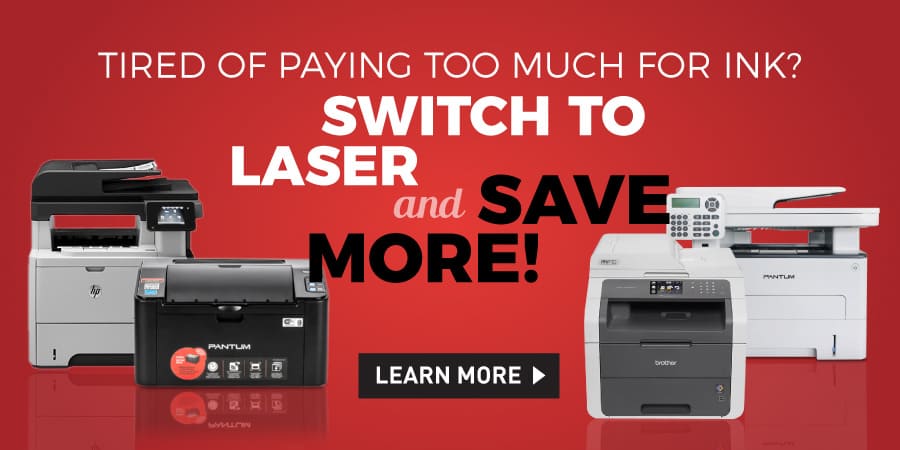
Perhaps your needs have outgrown your current printer’s features. For example, you went from printing occasionally to printing every day. Inkjet is not very cost-effective for heavy printing. A laser printer is more suited for larger printing needs. Or perhaps your business went from printing lots of documents to printing more brochures full of photos, then inkjet is better suited for printing photos.
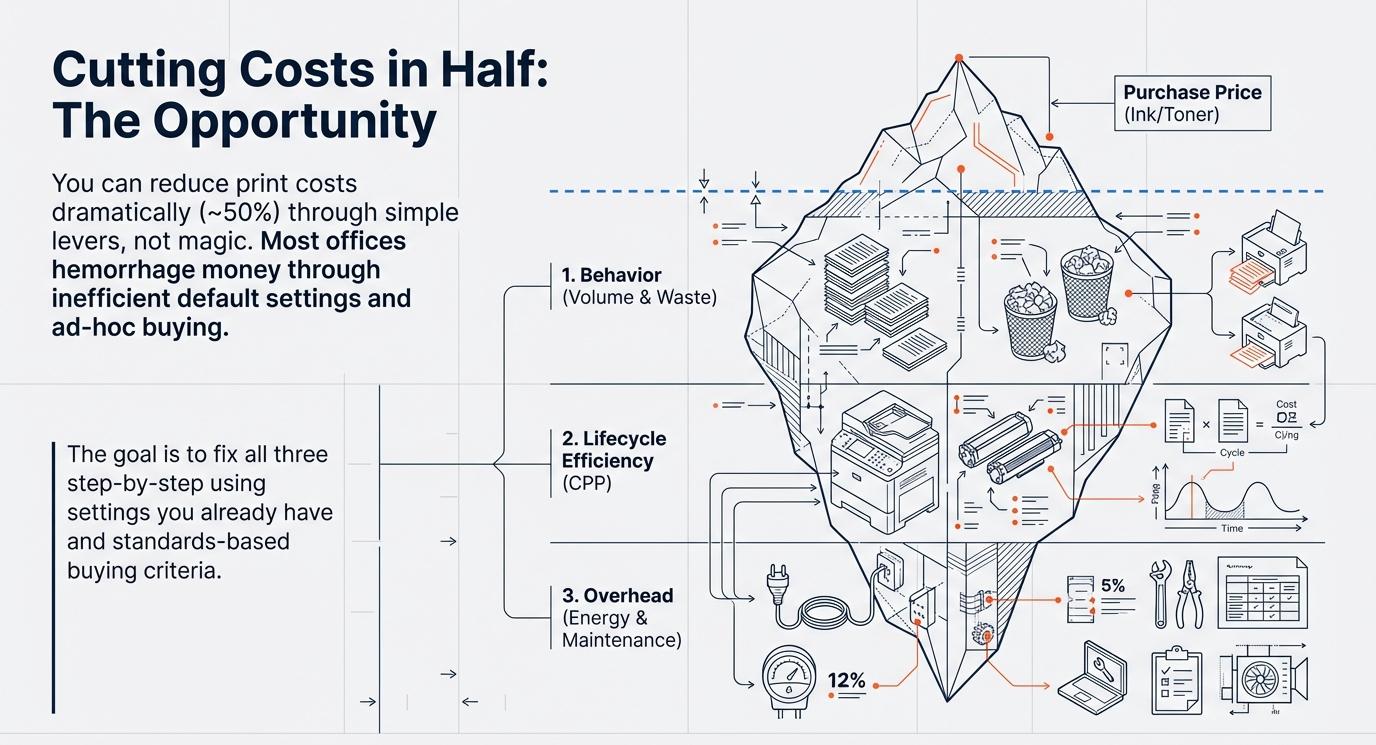
Our ink cartridges taking a chunk of your monthly budget? Then perhaps it is time to look for a more economical one that has cheaper and higher-yielding ink cartridges, as it will save you money in the long run.
Is Your Printer Lightning or a Turtle?
Maybe your printer seems like it is in “turtle” mode, meaning it is not getting the job done fast enough. Then it is time to look at a higher PPM or “Pages Per Minute”. The more pages per minute it prints, the faster the print job is completed.
Faded or Streaked Prints?
If you have replaced the ink cartridge(s), cleaned the printhead, ran auto cleaning, and your prints are still faded, streaked, or just plain bad, then that is another indicator that you should start looking for a new one. The quality of prints is one way to tell that it is running well.
Is Your Printer Making Strange Noises?
Strange noises coming from an otherwise quiet printer is another tell-tale sign that your printer may be on its last legs. These odd sounds may mean there are parts that have worn out or broken. Unless there is a repair shop (repairs may cost more than a new one) near you or you are handy, it is probably you need to change it.
Before you purchase a new printer, be sure to research all the troubleshooting advice manufacturers provide. 123ink offers a variety of printer brands. Check them out.