


 3 in one device- Router Mode, Access Point Mode and Wireless Client Mode
The D-Link Wireless N Pocket Router/Access Point featuring multi-mode functionality-Router Mode, Access Point Mode and Wireless Client Mode.Supporting 802.11ac Wi-Fi,easy to use,connct with Push Button Security.Aside from 802.11ac Wi-Fi,it also acts like a wireless client that is easily connect an Ethernet-ready device like a desktop PC or Xbox 360, to a Wi-Fi network for increased flexibility and added convenience for your wireless networking needs.Buying now at 123inkcartridges,we offer you $49.99 only,Free shipping as well on.while market value is $59.99.
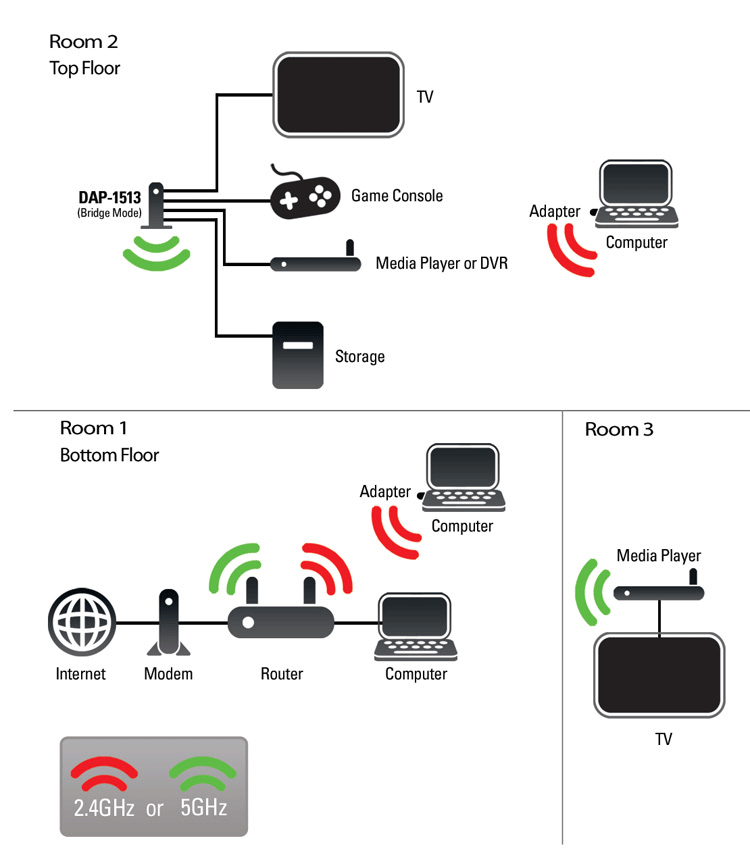
With compact and lightweight design,this wireless client is a prefer choice for your traveling,it is easy to set up and ues.Delivering powerful 11n performance with multi-mode functionality and increased mobility,You can easily share an Internet connection or connect to an existing wired network in conference rooms, hotel rooms,or anywhere a Wi-Fi network needed.The DAP-1350 will be a best companion on your journey.

The main features of Wireless N Pocket Router:
- Multi-mode functionality with wireless router, access point, or wireless client mode
- Create a powerful Wi-Fi network with Wireless N technology
- Backward compatible with Wireless G devices
- SharePort™ Technology for sharing a USB printer or storage over your network**
- Supports Power over USB allowing a PC to power the DAP-1350 if AC power is not accessible***
- Easily add devices and secure your network with push button security
- Secure your wireless network using advanced WPA™ or WPA2™ encryption


'/%3E%3C/svg%3E)