


Brother is one of the most popular printer brands in the world and Brother printers are widely used at office, home and school. Brother printers have help thousands of people to finish their printing job and have gained the good reputation out of their extraordinary printing performance. However, sometimes when a new drum unit is installed into the printer, the printer can not work and the warning light keep popping up which is the signal of “Replace Drum”, “Drum End Soon”, “Drum Near End” and “Drum Stop”. Actually, this has nothing to do with the quality of the drum unit. What you need to do to fix this problem is to properly reset your drum unit. The following part is the reset instruction for the universal Brother drum unit, for example, Brother DR-630.
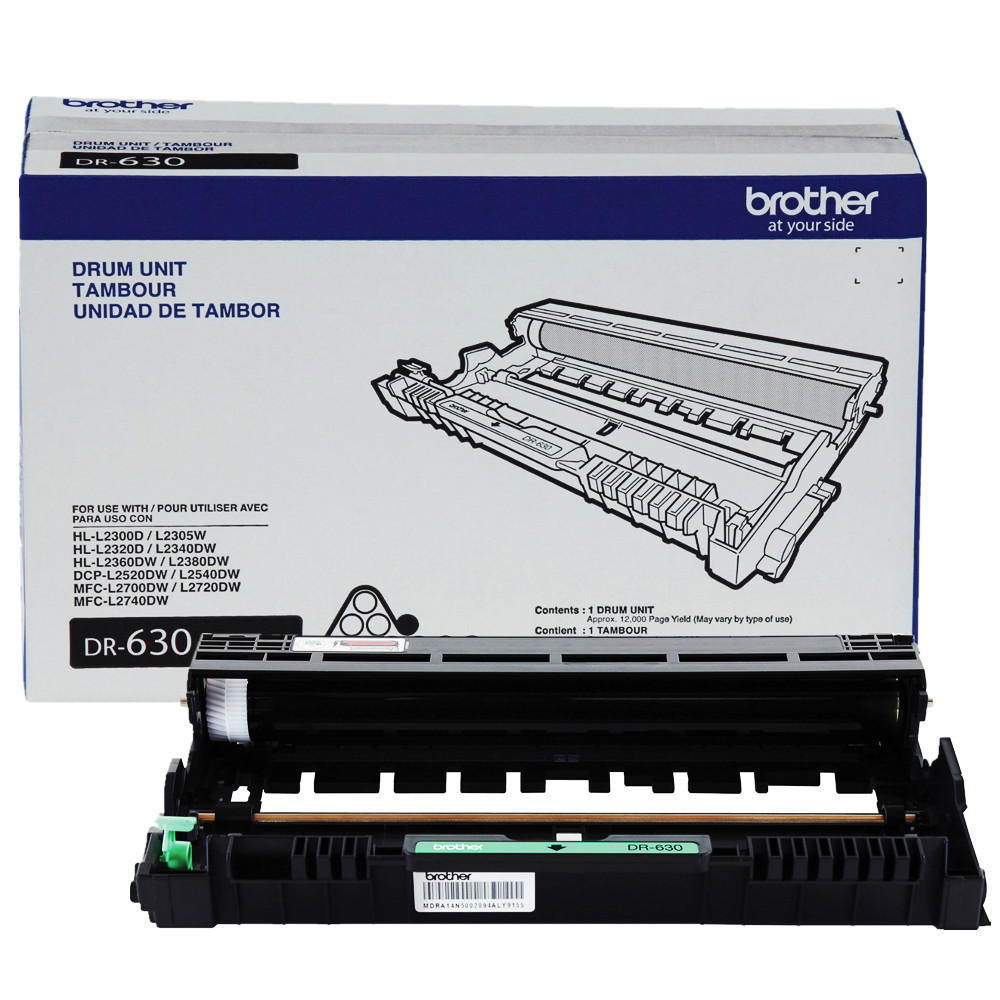
Brother-DR-630-OEM-Drum-Unit-Cartridge
For DCP/MFC Series printers:
1.Make sure that the machine is turned on.
2.Open the front cover.
3.Press and hold “Clear/Back” button until you see: “Replace Drum?”
For some printer models, press “OK” or “Options” button.
4.Press the “Up arrow” key or “1” to reset the drum counter.
5.When the LCD shows Accepted, close the front cover.
For HL Series printers:
1.Make sure that the machine is turned on.
2.Open the front cover.
3.Press and hold the “Go” button for until all the LEDs light up.
4.Once all the LEDs are lit, release the “Go” button.
5.Close the front cover. The counter is reset.
You should pay attention that the above instruction is for the universal Brother drum unit. If it does not work for some particular printer model, please refer to the official user guide.
If you want to buy Brother printer or the printers of other brands, welcome to our website 123ink.ca. Our website also sells printer supplies, smartphone accessories and office supplies of good quality and fair prices. Our website offer free shipping on all the orders above $49 and it cost you just $5.95 shipping free for the orders below $49. Hope you have a happy shopping experience!



THANK-YOU!