


After we change new toners for our printers, we will meet some problems. The most common problems should be the annoying signals of “Toner Low”, “Replace Toner” or “Toner Ended” when you have already inserted your brand new toners into the printers. Most of us may thank it is because the quality of the toners are so bad that the printers cannot work well. However, usually it has nothing to do with the toner and you do not need to buy another one to replace it. All you need to do is to reset your toners through some simple steps.
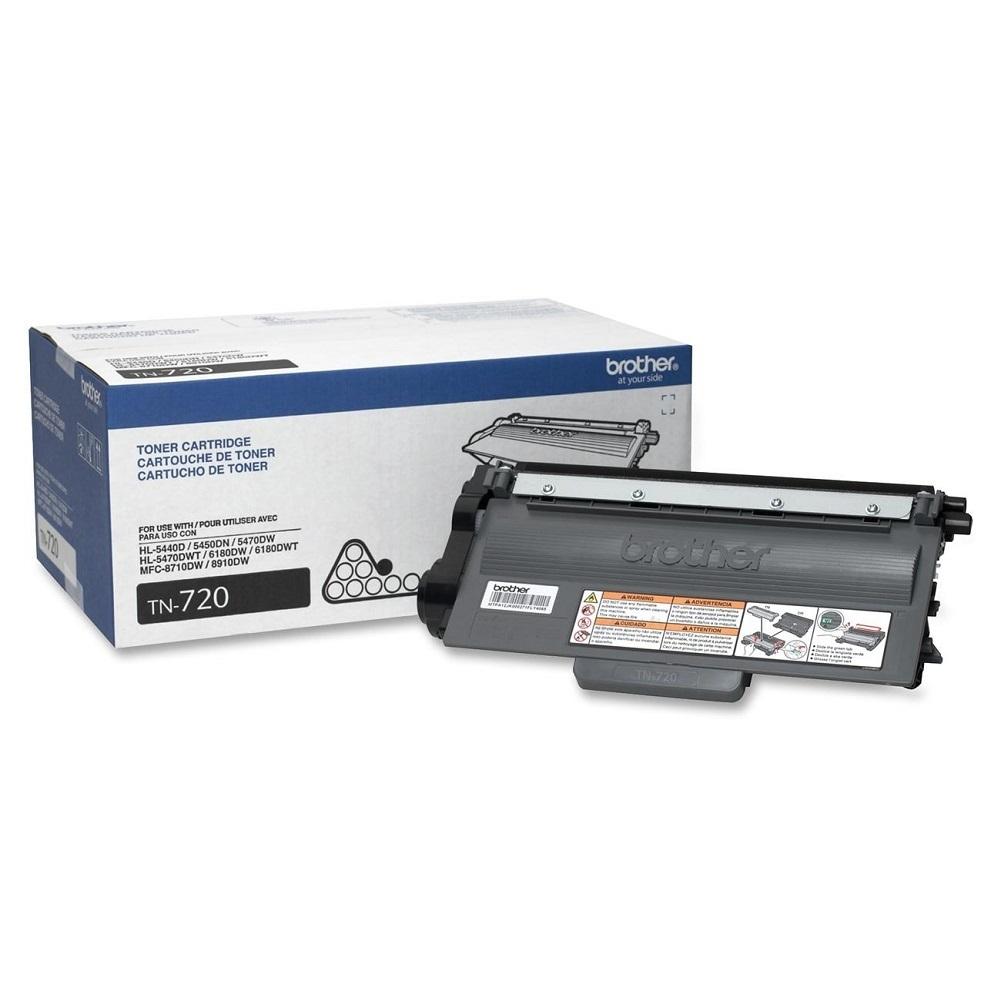
For Brother DCP/MFC Series printers:
1. Open the front toner compartment door.
2. The printer screen should read “front cover is open”
3. Press the “clear” button on the printer’s front panel.
4. Printer will say “Replace Drum?”
5. Here do not press 1 but instead type in “*00″ on the keypad.
6. The screen will say “Accepted”. Close the door
For Brother HL Series printers:
1. Open front door
2. Turn off printer
3. While holding down the GO button, turn printer back on
4. When all four LEDs light up release GO button. All LEDs will turn off
5. Press the GO button 2 times. The 3 LEDs will light up solid
6. Press the GO button 5 times
7. Paper light will be blinking
8. At this point the toner end-of-life condition has been reset.
Here is a little tips for you: timing is important here so don’t pause between button presses. Besides, you should pay attention that different printers and toners need different steps to reset. The above method is suitable for the printer of Brother DCP/MFC/HL Series which should work with toner TN-720, TN-750 and TN-780.

If you are interested in the products mentioned above or you want to buy the related products, welcome to our website 123ink.ca. Our website 123ink.ca sells toners and printer with high quality and fair price. Our website offer free shipping on all the orders above $49 and it costs you just $5.95 shipping free for the orders below $49. We will spare no effort to offer you a wonderful shopping experience!


