


Update 11/10/16
For the readers who are interested in purchasing our Brother toner cartridges, we would like to offer you an exclusive 6% OFF coupon for you to give a try ! This is limited time offer so feel free to use it or share it to your friends!
Coupon code: blog6off
Site: 123ink.ca
*This coupon does not apply to OEM, on sale and clearance items! Just simply copy and paste the code and apply it in the last stage of the shopping cart where you see the coupon option on the right!
——————————————————————————————————————
Sometimes when we the machine does not work, the first thing that pops into our mind is that maybe it is time to replace the old machine by the new one. Likewise, when the warning light of “Toner Low”, “Replace Toner” or “Toner Ended” keep popping up but you find that the toner is still lying in your printer, you cannot help yourself from questioning the quality of the toner and start to scold the printer seller. However, maybe the printer seller does not deserve your scold because usually, this kind of problem has nothing to do with the quality of the toner or the printer. A few steps to reset the toner can help you to get rid of those annoying “toner low” signals.
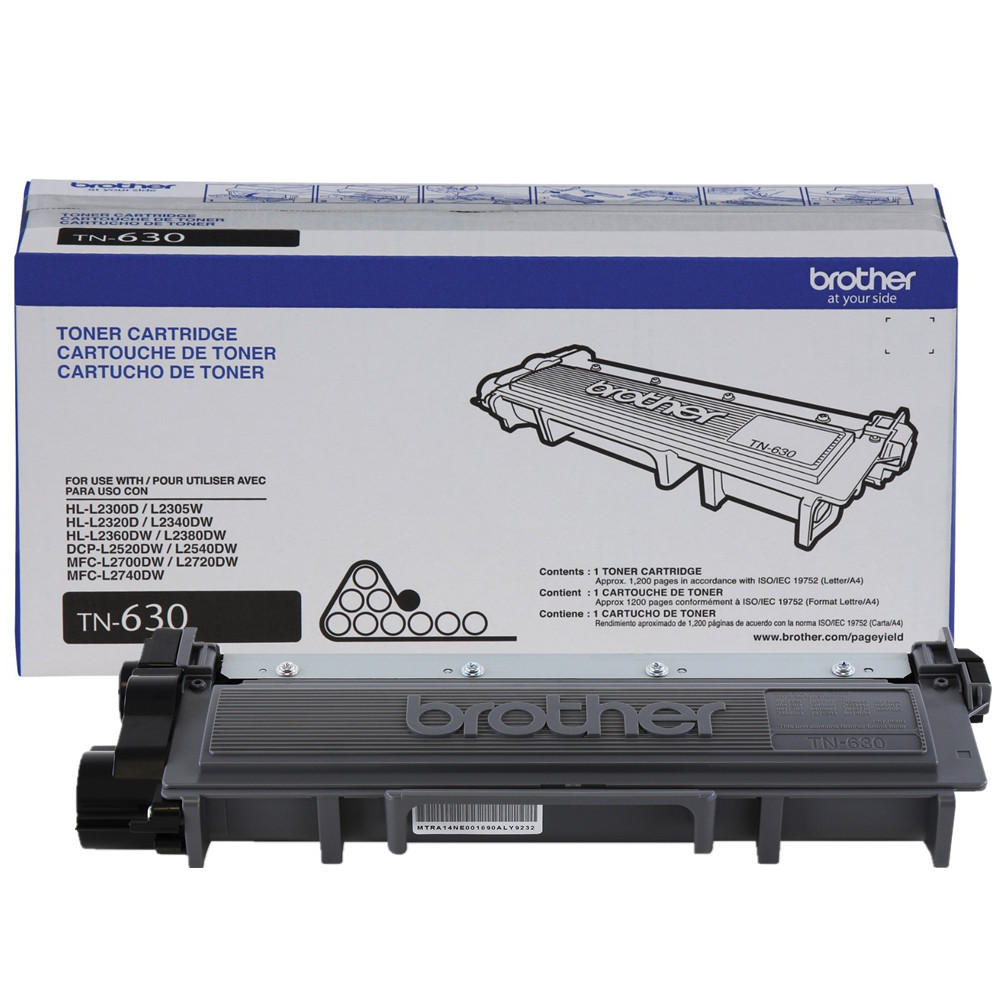
For the Brother DCP/MFC Series printers:
1. Open the front toner compartment door.
2. The printer screen should read “front cover is open”.
3. Press the “clear” button on the printer’s front panel.
4. Printer will say “Replace Drum?”
5. Here do not press 1 but instead type in “*00” on the keypad. Star zero zero.
6. The screen will say “Accepted”. Close the door and it will reset the low toner message.
For the Brother HL Series printers:
1. Open front door.
2. Turn off printer.
3. While holding down the GO button, turn printer back on.
4. When all four LEDs light up release GO button. All LEDs will turn off.
5. Press the GO button 2 times. The 3 LEDs (toner, drum, paper) will light up solid.
6. Press the GO button 5 times.
7. Paper light will be blinking.
8. At this point the toner end-of-life condition has been reset. Close front door.
Here is a little tip for you: timing is important here so don’t pause between button presses. Besides, different printers and toners should be reset with different methods. The above method is suitable for the printer of Brother DCP/MFC/HL Series which should work with toner TN-630 and TN-660.

If you are interested in the products mentioned above or you want to buy the related products, you are welcome to visit website 123ink.ca. Our website sells printers, toners, cables, smartphone accessories and office supplies of good quality and offers free shipping on all orders over $49. Besides, it costs you a shipping fee of just $5.95 for the orders below $49. Hope you have a nice shopping experience on our website!



How do you toner reset Brother DCP L2540dw ?
Since this multifunction has no keypad
I have replaced the toner in the printer and there is a message that keeps saying Open front cover and replace the toner….how do I get rid of that message….I turned the print off and on still nothing ..
Hi Sharon,
We would recommend you to try our livechat, we will have technician who specifically focus on these issues with fast reply!
Best,
I need help
Brothers copy machine, I replaced n 630 toner and still get a toner low alert.
Also, pages have down the page black streak. How do I get the toner low off the screen.
I have replaced the toner in the DCP-L2540DW printer and message still appears telling me to replace Toner (which I have). When I follow the instructions (above) there still is a message that keeps saying “front cover open”… how do I get rid of that message? I turned the print off and on still nothing .. tried all sequence of buttons (as set out above)… “front cover open” message stays on. Please help, I’ve a 3 pack of your toner which I can’t use!!
Hi Craig,
Thank you for contacting 123InkCartridges.ca. We apologize for the disappointment and inconvenience caused by the Product.
Regarding your question, you could check our Q&A page below.
https://support.shopperplus.com/en/support/solutions/articles/9000073965-tn-630-660-toner-reset-instruction
Moreover, you can also check our 1800 toll-free and live chat service online for future consult.
https://www.youtube.com/watch?v=_2-Gm_XXf6k better option
The Youtube vid Amit Bhalla posted worked for me (even though my Brother TN630/TN660 lacks a display). Thanks!
I have a Brother multi-function DCP TN-630/TN-660. how do I reset “replace toner cartridge”?? None of the directions seem to apply to my particular printer….no keypad to press 00
Check here to see if it could help
https://s3.amazonaws.com/shopperplus/system/redactor_assets/documents/99/TN660-2540dw-en.pdf