


Do you want this Brother QL500 P-TOUCH LABEL PRINTER to print address and shipping labels for you? You can easily print 50 address labels in a minute and any other kind of labels. The machine also support printing on the rolls of continuous tape, up to 2.3 inches (62mm) wide and 3 feet long.
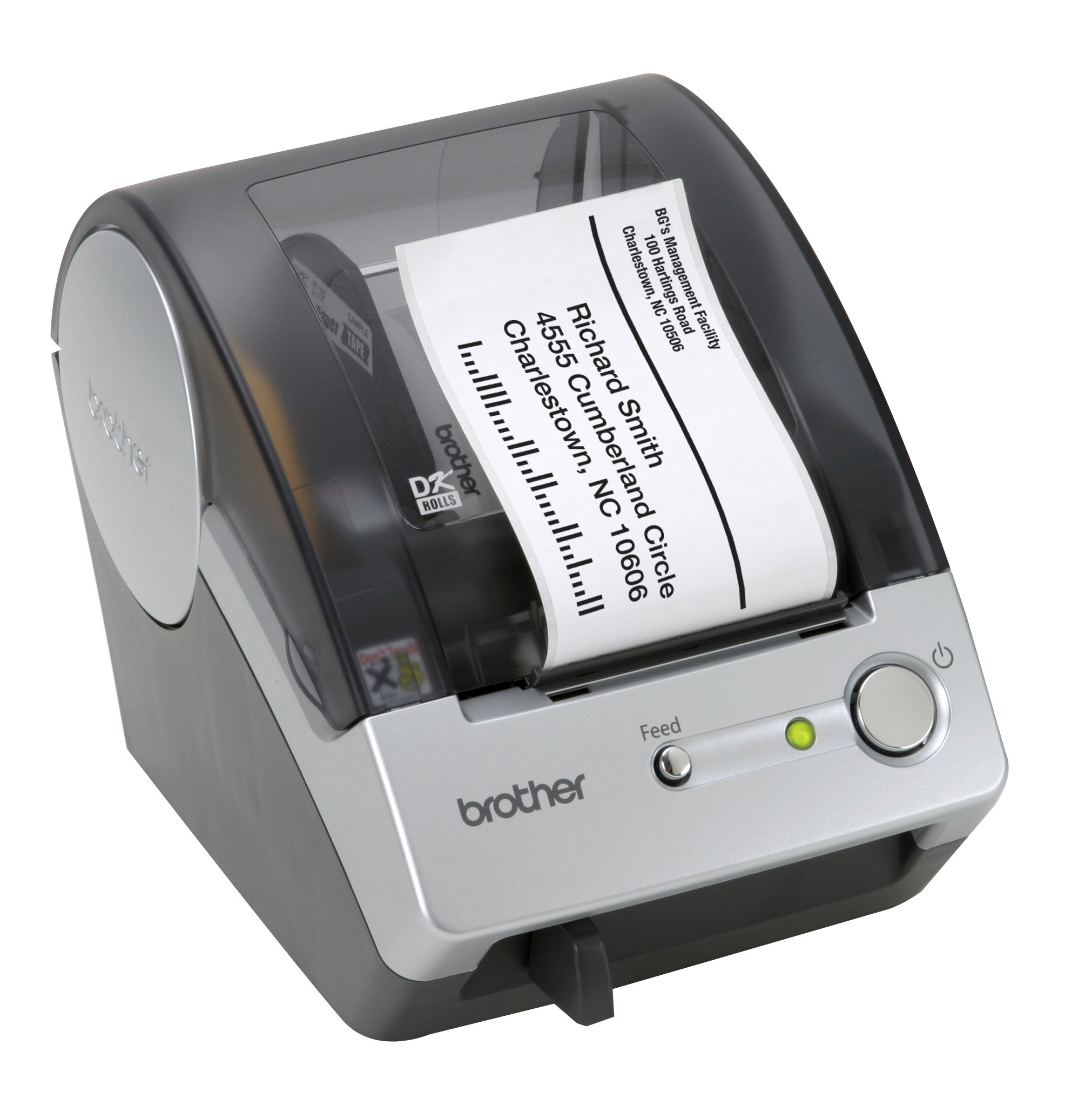
The outlook of the Brother label printer is silver and black plastic case and bottoms beside the “Brother” label. The cutter in the label printer is manual and there is a color LED outside the printer. The Brother QL500 P-touch Label Printer needs to be connected to the PC with the system like Windows® 2000, XP Home/Pro, Windows Vista®, Windows® 7 or Mac OS X 10.6.x. The PC must install the software P-touch® Editor 4.2 & P-touch® Address Book 1.0 for Windows® and P-touch® Editor 3.2 for Mac OS®.
For the printing material, the tape can be die-cut type or continuous type which the width can be maximum 2.4 inches and the length can be maximum 3 feet. The printing speed is 50 labels per minute and the print width is maximum 2.3 inches. There is no limit of font and the resolution is maximum 300 x 300 dpi. Nothing will be memorized in the label printer.
User can print up to 9999 copies through the machine and the Brother QL500 P-touch Label Printer support mirror printing, vertical printing and rotate printing, user can also PC generate the stamp of date and time. If you the user need to print bar-code, the Brother QL500 P-touch Label Printer supports Code 39, 1-2/5, UPC-A, UPC-E, EAN 13, EAN 8, CODABAR (NW-7), CODE 128, EAN 128, POSTNET, Laser Bar Code, ISBN-2, ISBN-5, PDF417, QR CODE, Data Matrix for printing bar-code. The csv, txt, mdb, xls and Windows word files are also compatible in the printer; user can use networking to send the files or using USB. The symbols of the Brother QL500 P-touch Label Printer for Windows system is 1,379.
If you feel like you need one or you really want one, you can now have a look at 123ink.ca . The website provides the price of $128.99 with free and fast shipping and one year guarantee. The printer itself is 5.7″ (W) x 7.6″ (D) x 5.9″ (H). Inside the package, there are Starter roll: DK-1201 Die-cut Standard Address Labels (100 labels), USB Cable, Quick Start Guide and a CD which includes software and user’s guide. Consumer can ask for a additional PS-9000 Print Server if he or she want.


