

Why there is Air Bubbles?
Air bubbles or oil slick issues occur when friction builds up between your smartphone’s LCD and the plastic shield of the OtterBox. These annoying issues are distracting. What’s worse, sometimes these air bubbles or oil slick issues can bring about operation problems.
Three Ways to Fix the Air Bubbles Problem
Here are three ways to fix the problem. The first one is the quickest one of the three but it’s temporary. Put your phone in your hand with the back of your device facing your palm, your four fingers on one side and your thumb on the other side of your phone. Squeeze your hand and hold for a while for the plastic shield to warp. Then release your hand to let the shield straighten out. The air bubbles will be gone temporarily. This fix is the quickest and the most convenient way if there is no time for a comprehensive solution. If you want to fix the problem completely, refer to the following two ways.
The second way is an official one from OtterBox, which is issued on YouTube by the company. Take off the OtterBox case from your phone.You need to a lint-free cloth to wipe the shield’s underside and some baby powder which will be applied to the clear shield. It is best when the powder as a fine mist sprinkle evenly on the shield. There is a point where the mist is so fine that it can’t be seen while it still stops friction between your LCD and the shield. If the air bubbles problem still can’t be fixed, repeat this step for several times till the problem goes away.
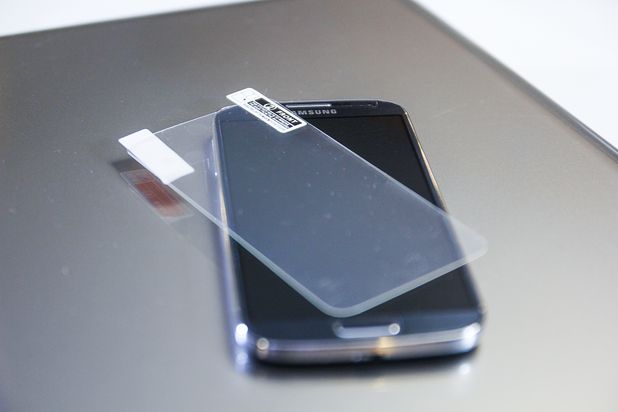
The third one is an alternative fix. If the two ways introduced is too troublesome or not good enough for you, here is the simple fix. All you need to do is simply buy a screen protector which is anti-glare for your phone. The one with a matte finish would make itself as a better choice. Carefully attach the protector to your phone screen to make sure there are no air bubbles get between your screen and the protector. Why screen protector ? Screen protector is a good thing, which can both friction from building up and other damage that may happened to your phone.