
123ink blog
  • Home
  • Ink & Toner
  • Printers
  • Office Supplies
  • Office Chairs
  • English
    • English
    • Français
No Result
View All Result
123ink blog
  • Home
  • Ink & Toner
  • Printers
  • Office Supplies
  • Office Chairs
  • English
    • English
    • Français
No Result
View All Result
123ink blog
No Result
View All Result

TN-210 Toner Reset Instruction

by daisy
February 4, 2026
in Brother Printers, Brother Toner Cartridges, Combo Set, Ink & Toner, OEM toner cartridges, Printer Toner Cartridges, Trouble Shooting
0
Share to Facebook

Do you encounter this situation that your Brother printer won’t be able to print, and actually the Brother TN210 toner still seems to have some toner left? If you have this situation, you must really want to ask “ Is there any easy way to make my printer work again?””Is it because the quality of the toner is so bad that the printer can not work?” In fact, in most cases, it has nothing to do with the quality of the toner and the first thing you should try is to reset the toner. It is easy to handle it. We are pleasant to share the procedure to Reset Your Brother TN210 Toner Levels:

1. Open the front cover that gives you access to the toners.
2. Press “clear/back button”. You will see “K-TNR-STD” display on the screen.
3. Using the “+” and “-” buttons select the toner you want to reset.
K-TNR-STD Black
C-TNR-STD Cyan
Y-TNR-STD Yellow
M-TNR-STD Magenta
4. Press the “Ok” button.
5. It will display “Ok?” and hit the “Ok” button again to reset the toner.
6. Close the lid.

Brother-OEM-TN210-Combo-Toner-Cartridge

You should pay attention that different printers and toners should use different methods to reset. It had better for you to refer the official user guide before you reset the toner.

As long as according to the resetting steps, I believe there won’t be any problem. If you still receive the error after resetting the toner, you may need to contact Brother technical support for more assistance. We do suggest you have a new TN-210 toner cartridges on hand for when the toner needs to be replaced.

If you want to buy Brother TN-210 or other toners or printers , welcome to our website 123ink.ca. Hope you enjoy shopping on our website!

Related Stories

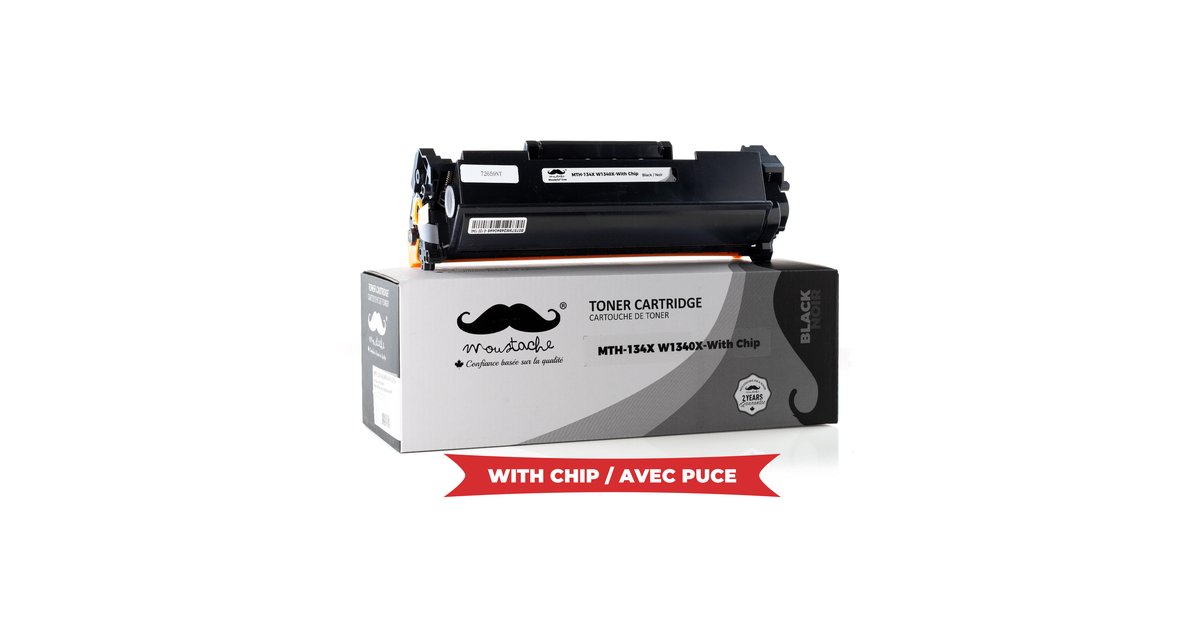
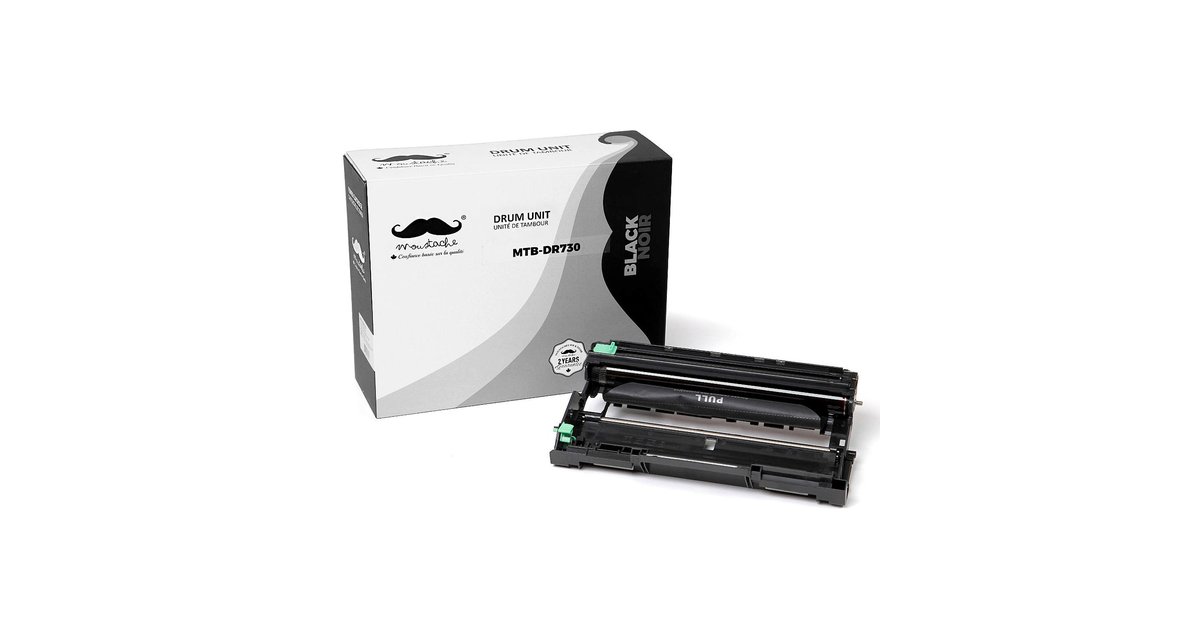
Brother HL-L2350DW, HL-L2370DW and MFC-L2750DW: Toner vs Drum and When to Replace Each

Brother HL-L2350DW, HL-L2370DW and MFC-L2750DW: Toner vs Drum and When to Replace Each

HP LaserJet M209dw and MFP M234dw Toner: Which Compatible Cartridge Fits?

HP LaserJet M209dw and MFP M234dw Toner: Which Compatible Cartridge Fits?

Where Can I Buy Ink Cartridges in Canada? How to Find the Right One for Your Printer

Best Ink for Canon PIXMA Printers in Canada: How to Pick the Right Cartridge (Standard vs XL)

What Ink or Toner Does My Printer Use? A Quick Guide for HP, Canon and Brother

How to Choose Compatible Ink & Toner Cartridges: A Practical Buying Guide

Next Post

Brother TN450 & TN420 Toner Reset Instruction

Leave a Reply Cancel reply

Your email address will not be published. Required fields are marked *

123ink's Blog

© 2007-2026 123ink Blog. Operated by Shopper+ Inc. All rights reserved.

Navigate Site

  • Shop from 123ink
  • Family of Brands
  • Contact Us
  • English

Follow Us

No Result
View All Result
  • Home
  • Ink & Toner
  • Printers
  • Office Supplies
  • Office Chairs
  • English
    • English
    • Français

© 2007-2026 123ink Blog. Operated by Shopper+ Inc. All rights reserved.