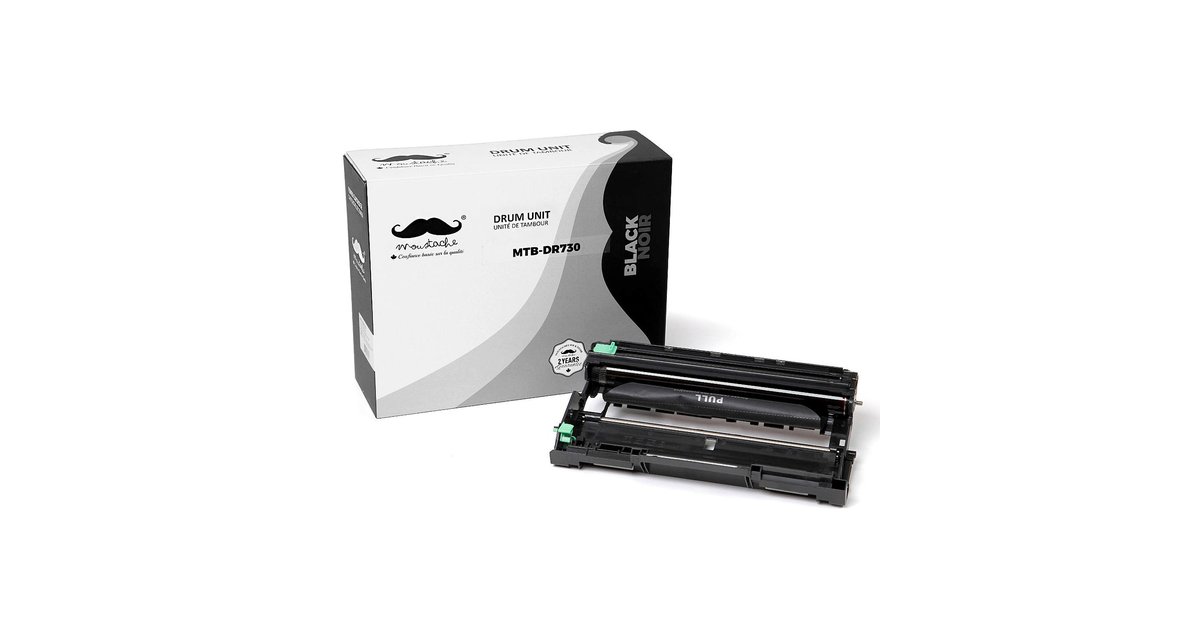

Do you own a Brother Printer TN760 Toner? Does its ink cartridge have a chip? Are you baffled on how to replace it? Are you wondering what exactly is the purpose of the chip in a Brother TN760 Toner? All very good questions! This post is to help you answer some of those questions, identify the chip and tell you how to replace it.
What is the purpose of toner chips?
Here are some of the functions of the chip:
- The chip saves certain details of toner cartridges, such as its model or the printing yield.
- The chip can receive information from printers and ensure the capacity of carbon powder.
- The chip can send page yields, covering rate, etc.
- It can control the usage of the toner cartridges based on the standard chip.
How to replace the chip for Brother TN760 Toner?
- Turn of printer power.
- Open printer ink door and take out old toner along with drum.
- The toner may be released from the drum by pressing down on the green tab.
- Once the toner cartridge is out of the drum, turn over toner. Locate the chip on the top right side, depending on how you flipped the cartridge over.
- Using a screwdriver, pick up the chip from the old toner. Warning: Do not use your fingers on the chip. It is best to use tweezers or some such tool.
- Take out the chip from the old toner. Set aside.
- Get new toner. Remove white film on the double-sided tape, where the chip will go. Using the tweezers again may make this job easier.
- Insert the chip into the new toner and gently press it down. Remember not to use your fingers while doing this. Use tweezer or screwdriver handle.
- Shake new toner side to side (or horizontally) several times.
- Remove the protective cover from new toner; taking care not to touch the black roller of the toner cartridge with your fingers!
- Insert new toner into the drum and press down until it locks into place with a clicking sound.
- Place drum back into printer ink cavity and close the door.
Ta-da! Turn the printer power back on and let the presses begin to roll again!
Discover tips to extend the life of your TN760 cartridge.
There is a no-chip toner available. It is only $14.99, right here at 123ink. Go here to make your purchase.