


If you need wireless presenters to have done any recent public speaking. You will be aware that the modern trend is to have a background/screen that displays graphics, pictures and text while the public speaker speaks and elaborates over this display. This trend is enabled by the use of software applications such as Microsoft PowerPoint or any other graphical display applications.
To have a more interactive session with the audience, the speaker needs a way of controlling the flow of the Graphical display and still be in a position to physically capture the audience attention. In steps, the wireless presenter better known as the wireless presenter remote control. This is a device that enables you to remotely control the image that is being displayed on a screen being projected from a computer, without physically being required to be in front of the computer to press the actual scroll buttons.
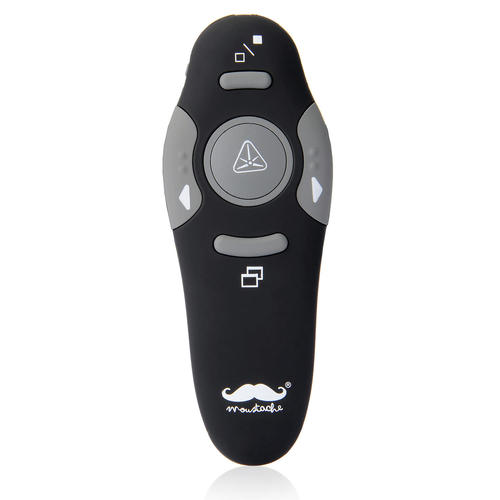
The device works by sending a wireless signal to the receiver connected to the USB hub of a computer. Its advantages are obvious; it allows for more interactively in a presentation by a speaker. It frees up the speaker to move freely and not connect to the computer pressing the scroll screens. As well as, some wireless presenters allow you to fade the image displayed so that the audience focus reverts to the speaker.
One of the main considerations for selecting a wireless presenter is the distance support between the receiver and the wireless remote. A distance of 100 meters and above consider as optimal. As it allows enough room for the speaker to move around without the signal interrupt in most speaking venues.
Buttons on the Remote
Other considerations are the number of buttons on the wireless presenter. The greater the number of buttons on the remote, the more the likelihood of accidentally pressing the wrong button. A good to have the option is a wireless remote that indicates the battery life remaining. This helps in avoiding a situation of the battery dying out while in the middle of the presentation.
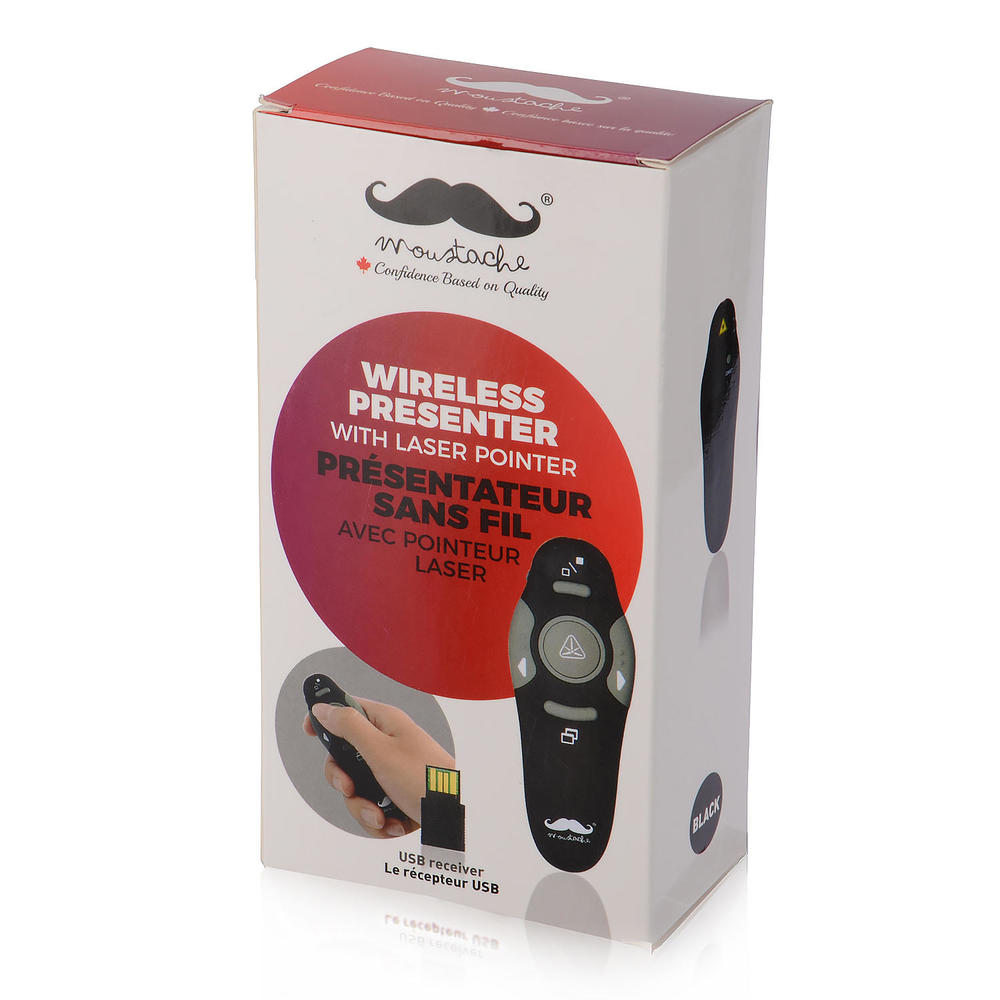
On 123ink.ca, you can get the Wireless Presenter Remote Control, RF 2.4GHz, 100m from Moustache®. This is a modern wireless presenter that supports WINDOW98/2000/WIN7/WIN8/WIN10/ME/XP/APPLE IOS operating systems. It has a laser pointer and set presentation scroll. And it on sale for $14.99.


